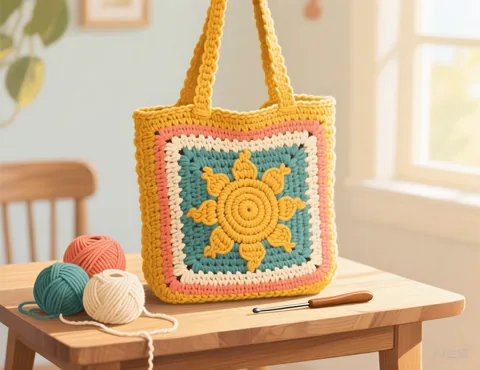
How to turn a picture into a tapestry crochet chart
- Choose a picture. Bold shapes and logos you own work especially well in tapestry crochet.
- Set the width in stitches. For a bag worked in the round, that is the number of stitches in one round.
- Choose how many colours. Two to four colours is classic tapestry crochet; every extra colour is another strand to carry.
- Pick how you work: flat rows or in the round, right or left handed. The written instructions follow your choice.
- Download the PDF or copy the row by row instructions.
How to read the chart
Each square is one stitch, usually a single crochet. Row 1 is the bottom row of the chart. When you work flat, you turn at the end of every row, so the reading direction alternates; when you work in the round, every round is read in the same direction. Each line of the written pattern lists the colours in the order you will meet them, for example Row 7 (right to left): 12 A, 3 B, 12 A.
Will my finished piece look stretched?
The chart uses square cells, but crochet stitches are rarely perfectly square. Single crochet is often a little wider than it is tall, depending on your yarn and tension. Make a small swatch and compare how many stitches and rows fit in 4 inches (10 cm). If your rows are noticeably shorter than your stitches are wide, the finished picture will look slightly squashed; you can compensate by cropping your photo a little taller before you upload it.
Tips for clean colourwork
- Limit the colours per row. Carrying more than two or three strands at once gets bulky. Merge colours if a row needs too many.
- Clean up single stitches. One lone stitch of a colour is fiddly to carry and rarely visible, so leave "Clean up stray stitches" on.
- Keep text bold. Letters need at least 2 to 3 stitches of stroke width to stay readable.
Frequently asked questions
Is it really free?
Yes. There is no sign up, no watermark and no limit on how many patterns you make.
Do you upload or keep my photo?
No. Your picture is processed by your own browser on your own device. It is never sent to our server, so we never see it.
Which pictures work best?
Simple pictures with clear shapes and strong contrast: a pet against a plain background, a logo you own, a cartoon, pixel art or a bold portrait. Busy scenes with lots of small details tend to turn into noisy charts. Crop the picture closely around the subject before you upload it.
Can I match the colours to my yarn?
Yes. Click any colour swatch under the chart and pick the colour of the yarn you actually have. You can also merge two colours that are too similar to tell apart.
Can I use any picture I find online?
Only use pictures you have the right to use: your own photos, or images whose licence allows it. Characters, logos and artwork usually belong to someone else.
Does this work for graphghans and intarsia crochet?
Yes. The chart is a plain stitch by stitch colour grid, so it works for any single crochet colourwork: tapestry, intarsia or graphghan blankets. Choose "flat rows" for blankets.
Can I use it for mosaic crochet?
Not directly. Mosaic crochet uses dropped stitches and only one colour per row, so it needs a different kind of chart.